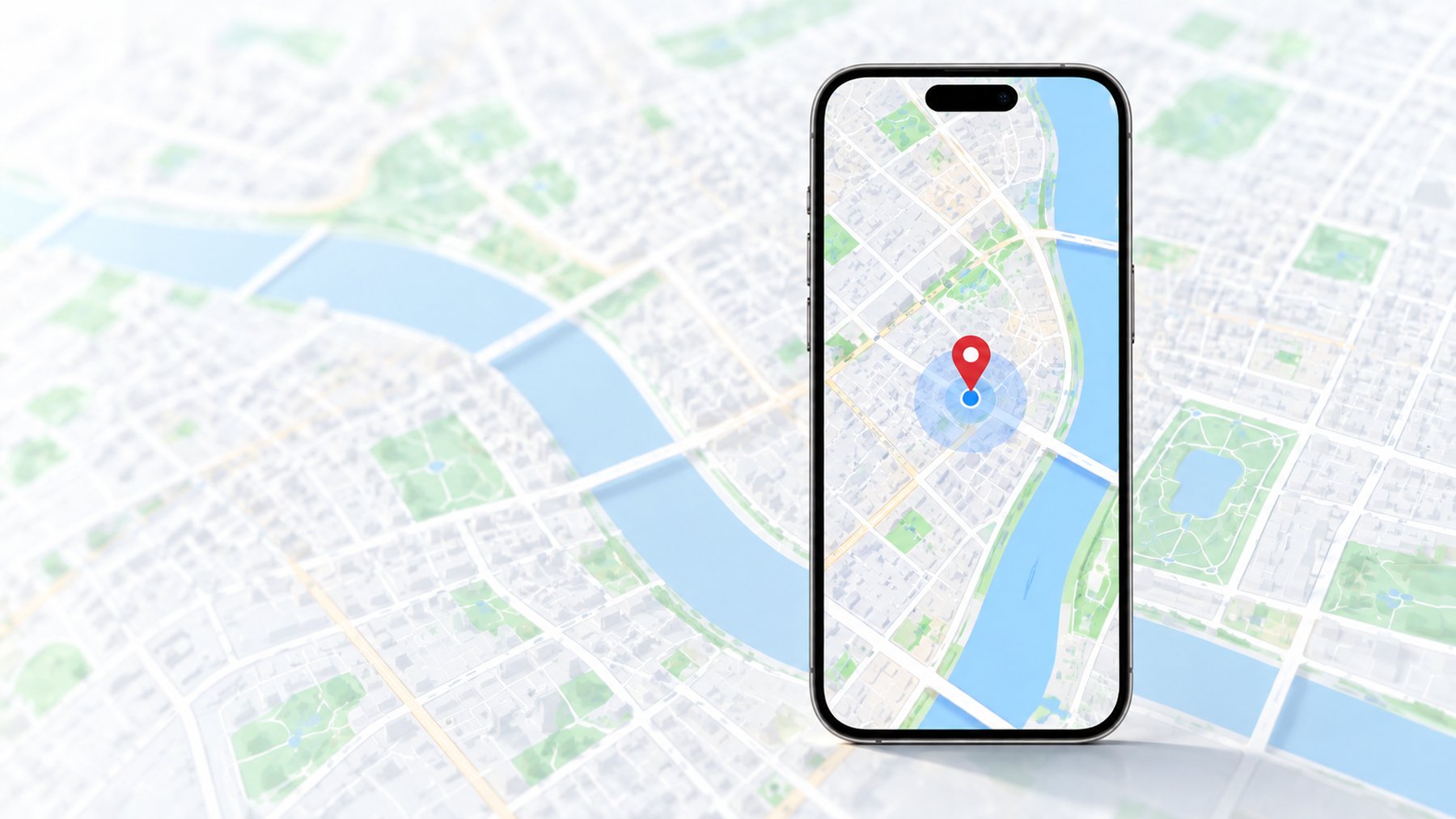
- iPhone only; iOS versions below iOS 27 only.
- PinPoint V3 is not an Android option.
- Guides come from the same-name YouTube channel, with 80+ hands-on tutorial videos.
- Record the exact iPhone model and iOS build before selecting a method.
Choose a method by its requirements
People searching for an iPhone location changer often want a simple answer about whether they need a computer. The more useful question is what the full setup requires: a compatible desktop application, a connection to the phone, device settings, an external accessory, or a maintained device-side configuration. Each route has different dependencies and restoration steps.
Compare three practical routes
- Desktop USB tool: consider your Mac or Windows version, cable connection, phone pairing, and whether a session must remain active.
- Device-side system-level changer: understand any profiles, permissions, companion applications, or account requirements before installation.
- External device: confirm the connector, power needs, companion setup, and evidence for the exact phone and target feature.
Prepare your iPhone before an assessment
- Find the full system version in Settings and record the model name.
- Identify the app and precise feature you want to check, including its current version if available.
- Check whether the phone is managed by an employer or school.
- Describe any existing configuration and whether the issue began after an update or restart.
- Keep access to the normal device settings and a way to restore the current configuration.
When the map changes but the app does not
Check that you are looking at a fresh result and the correct device. Location sharing can involve a selected sharing device, while other apps can retain an earlier value or apply their own validation. Permissions and connectivity also affect updates. The next step is to inspect the specific feature rather than repeatedly selecting the same coordinate.
Returning to normal location
Stop the location session using the selected method's documented controls. Reopen a map and the target feature, then check the current position. If needed, restart the phone and allow location services to obtain a fresh reading. Remove only configuration components you recognize and no longer need; managed profiles should be discussed with the administrator.
Frequently asked questions
Scope and limitations
We assess these categories without recommending a particular software vendor. Do not buy a tool solely because its page lists your iOS major version. Ask about the exact build, your phone model, the app feature, and what happens after disconnecting or restarting.
Scope and limitations
A no-jailbreak description does not answer every compatibility question. Similarly, no-computer advertising may refer only to routine use after an initial setup. Confirm both initial and everyday requirements.
Scope and limitations
GPS coordinates and IP location are separate. Changing one does not establish that account region, network region, or proximity requirements have changed.
Can you confirm support for my iOS version?
Request a free check with the exact model and full version. For iOS 27 questions, an exact build check is needed; this page does not establish support.
Is a changed location undetectable?
We do not make that promise. Apps can handle simulated or inconsistent location information differently, and their behavior can change.
Life360 · Find My · iClicker ·