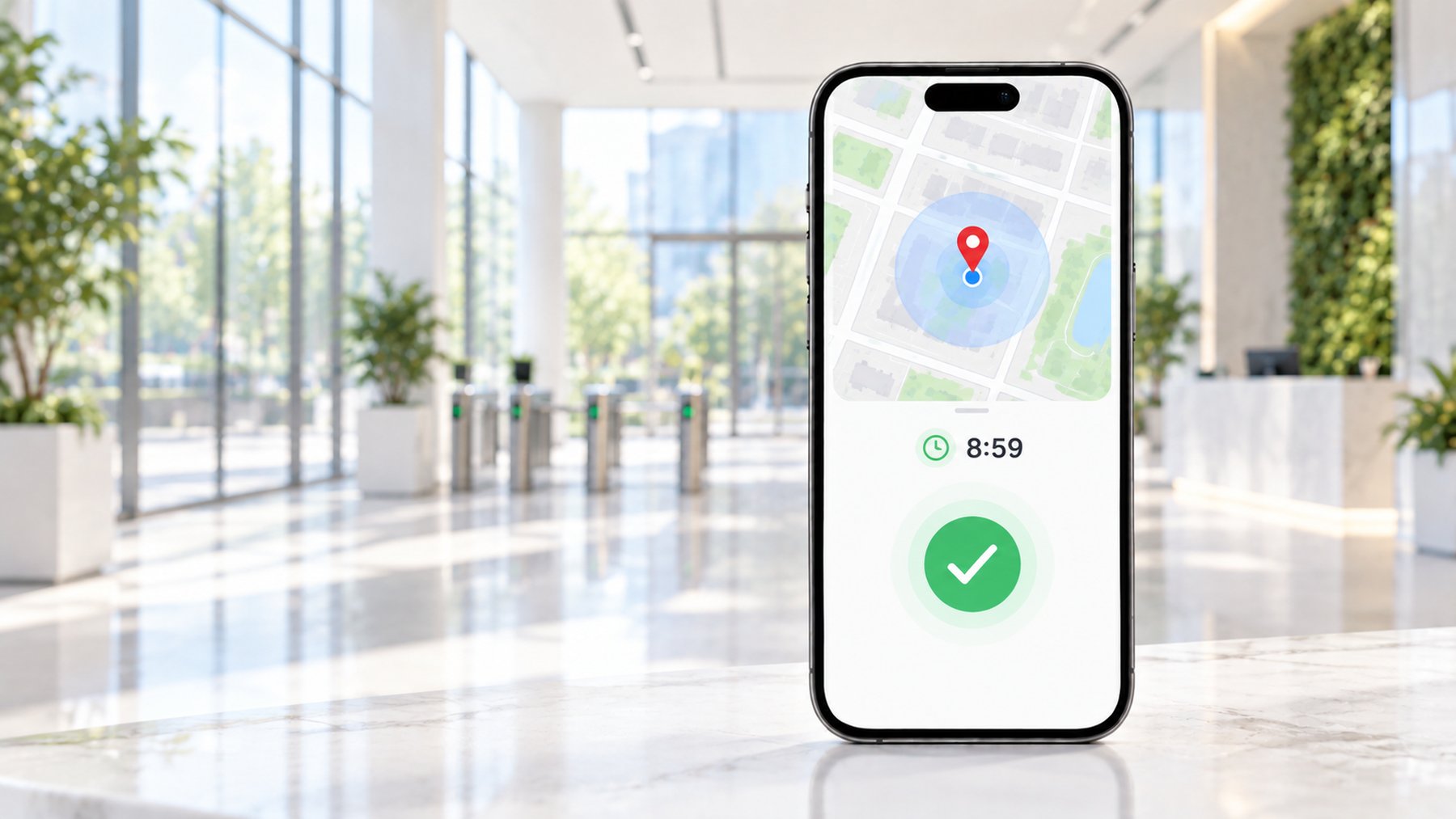
- GPS boundary: check the actual coordinate and permitted area.
- Wi-Fi, photo, device binding or administrator approval: a GPS change does not satisfy these conditions.
- iClicker Bluetooth-beacon mode: GPS tools do not work.
- Record the attendance rule, app, device version and current error.
- A changed map pin is not an accepted attendance record.
Start with the requirement on your attendance screen
For coordinate methods, see the virtual location overview; first screen the attendance rule below.
For DingTalk, WeCom, or another work app, collect the relevant rule and current error before trying tools. If you are physically at the approved location but cannot check in, an ordinary permission, reception, network, or administrator-setting issue may be the better starting point.
Separate these checks
- GPS: does a fresh map reading place the phone near the expected location, and does the app have the necessary permission?
- Wi-Fi: does the rule require an actual connection to an approved network, rather than merely a similar network name?
- Bluetooth: is there a local proximity requirement that a coordinate cannot establish?
- Photo or fieldwork: does the workflow require additional evidence or approval?
- Account and device: is the phone registered correctly, or is the account subject to an administrator policy?
A practical diagnostic sequence
- Capture the current error and relevant rule, hiding employee names, identifiers, and private workplace information.
- Record the phone model, full system version, and work-app version.
- Check permissions and a fresh location reading without submitting repeated attendance records.
- Identify whether the situation is on-site, approved remote work, travel, or fieldwork.
- Ask the administrator about missing approvals, network rules, or incorrect site boundaries when those conditions are relevant.
Keeping these checks separate makes the outcome easier to interpret. A map result is evidence about a coordinate, while an accepted attendance record is a separate result governed by the work system.
What remote assistance can assess
Frequently asked questions
Scope and limitations
Remote guidance can review the device environment, explain relevant settings, and help identify a suitable configuration or escalation path. Before proceeding, agree what will be changed and how success will be checked. Do not assume a setup overrides employer requirements or grants permission for off-site attendance.
Scope and limitations
Device compatibility is only one part of the assessment. A location-based workflow may still need approval from the organization. If the correct remedy is an administrator change or a manual exception, that should be stated clearly.
Will changing GPS fix a Wi-Fi attendance rule?
It does not establish the required network connection. Confirm the actual condition before choosing a method.
Can you promise an attendance app will not detect a configuration?
No. We do not promise invisible changes, guaranteed acceptance, or the absence of account or administrative consequences.